Get started in 4 steps
Install the app
Download YourCampus from the App Store or Google Play, open it, and pick your display language.
Pick your school
Type your school name — it matches even without diacritics. If it isn’t listed yet, send a "Request my school".
Create an account
Sign up with an email and password and check the two agreement boxes. You land straight on the timetable.
Verify your school
Enter your school email, get a 6-digit code, and type it back. That opens the board, the marketplace, and course reviews.
Feature by feature
Getting started
From the first screen to verifying your school and unlocking the community.
Read the guideTimetable
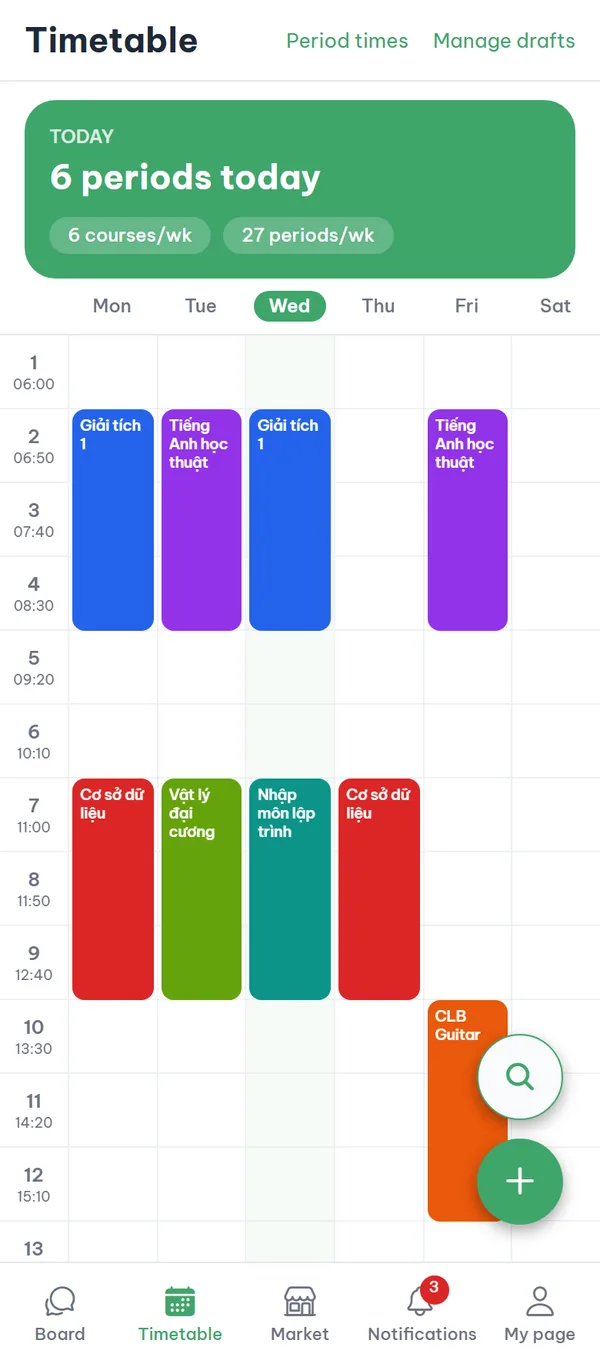
Build a period-based timetable, add courses by search or by hand, and fix period times.
Read the guideCourse reviews
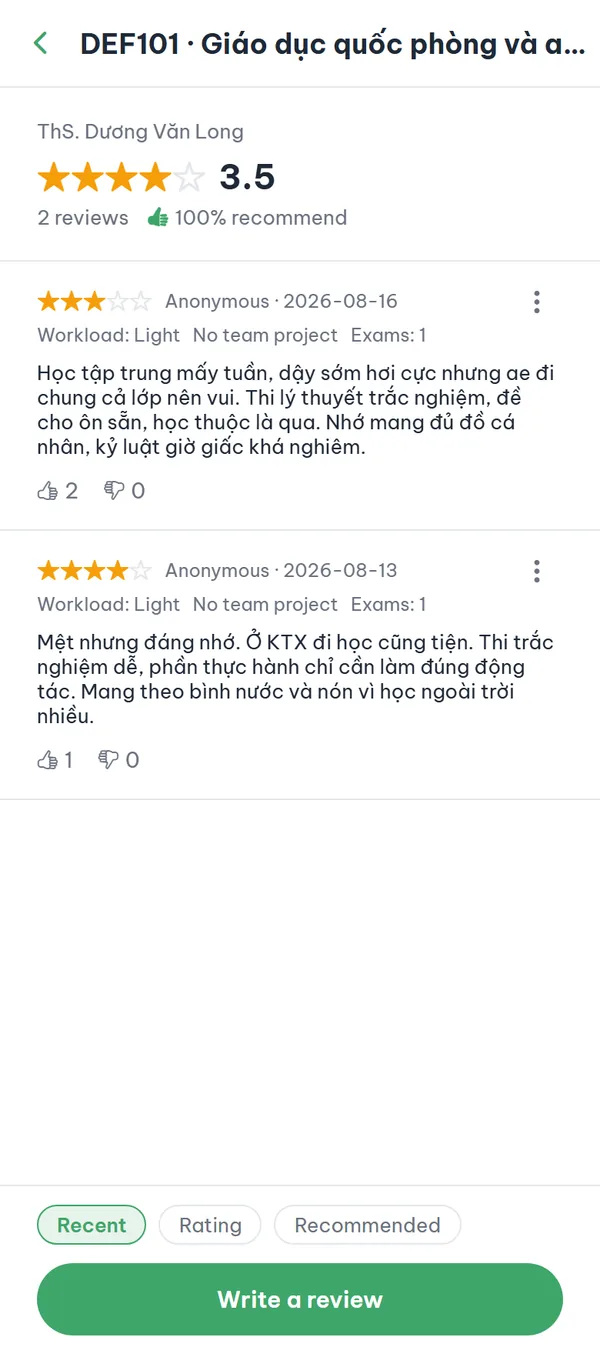
Check ratings and workload before you register, then post your own anonymous review.
Read the guideBoard
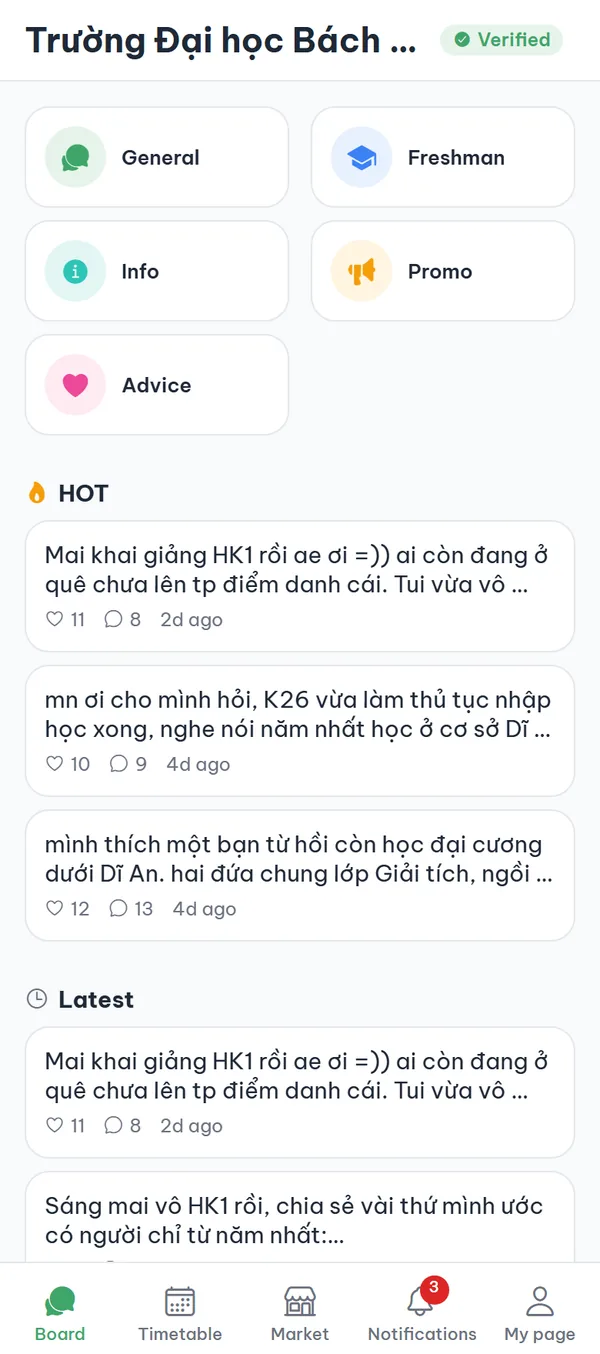
Anonymous boards read and written only by verified students of your school.
Read the guideCampus marketplace
Buy and sell used items with students at your school: list, search, save, and chat.
Read the guideMeetups
Gather people from your school for a meal, workout, or study group — then one group chat.
Read the guideMessages & notifications
Message students from your school 1:1 and choose the notifications you get.
Read the guidePoints wallet
Check in daily, earn points from reward ads, and see where you rank at your school.
Read the guideReport & block
Report, block, unblock, change your nickname, and delete your account in-app.
Read the guideWords used in the app
- Tiết (period)
- The unit of time in a Vietnamese university schedule. Each school sets when tiết 1 starts and how many minutes a tiết lasts, so classes are written as "weekday + tiết number" rather than clock times. The YourCampus timetable is drawn on your school’s own tiết system.
- Học phần (course)
- A course the school opens for a term, with its course code, credits, and sections that each have a lecturer, a room, and their own tiết slots. At schools with course data loaded, you search and add one straight into your timetable.
- School verification
- The step that confirms you study at the school: you enter your school email, get a 6-digit code, and type it back into the app. Once verified, the board, marketplace, meetups, messages, and points open up. The server decides this permission, not the app.
- In-app anonymity
- Other students see only your nickname or an anonymous number, never your real name. Verification records and access logs are still kept as the law requires, so this is not absolute anonymity — the Terms of Service say the same.
Frequently asked questions
Does the app cost anything?
No. YourCampus is free for students.
What if my school isn’t listed yet?
The school screen has a "Request my school" option. Enter the school name and your email, and we’ll email you when your school opens in the app.
What works before I verify my school?
You can save and sync your timetable and browse the course database. The board, market, chat, meetings, and points tabs show the verification screen until you’re verified.
Are the screenshots real app screens?
Yes — every screenshot is captured from the real app. The content inside them is sample data used for illustration, not real users’ posts or listings.
Ready to get started?
YourCampus is free for students. Download the app and verify your school to unlock everything.